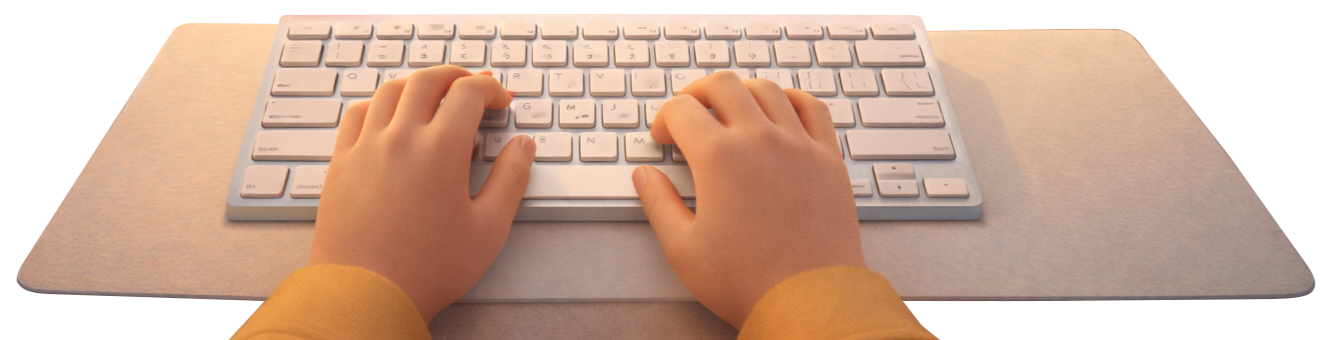
Blind typing (touch typing) means typing without looking at the keyboard. You use muscle memory to find keys and keep your eyes on the screen.
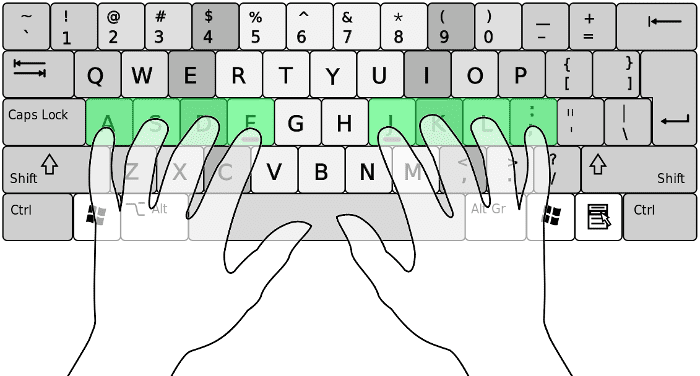
Start with the home row: place your left fingers on A, S, D, F and your right fingers on J, K, L, ;. Your index fingers rest on F and J—most keyboards have a small bump there. From this position you can reach every key and return to the same spot.
Each finger is responsible for certain keys. With practice, your brain learns the map and you type faster and with fewer errors.